
Update your OM-1 Mark ll
OM System just released the OM-1 Mark ll firmware update version 1.2. Their website doesn’t give a lot of details. It simply says the following. Either way, you need to go get this update.
Download OM-1 Mark II Version 1.2
- Enhanced Handheld High-Res Shot: Improved composition algorithm for handheld high-res shot.
- Operational Stability: Improved stability of some functions.
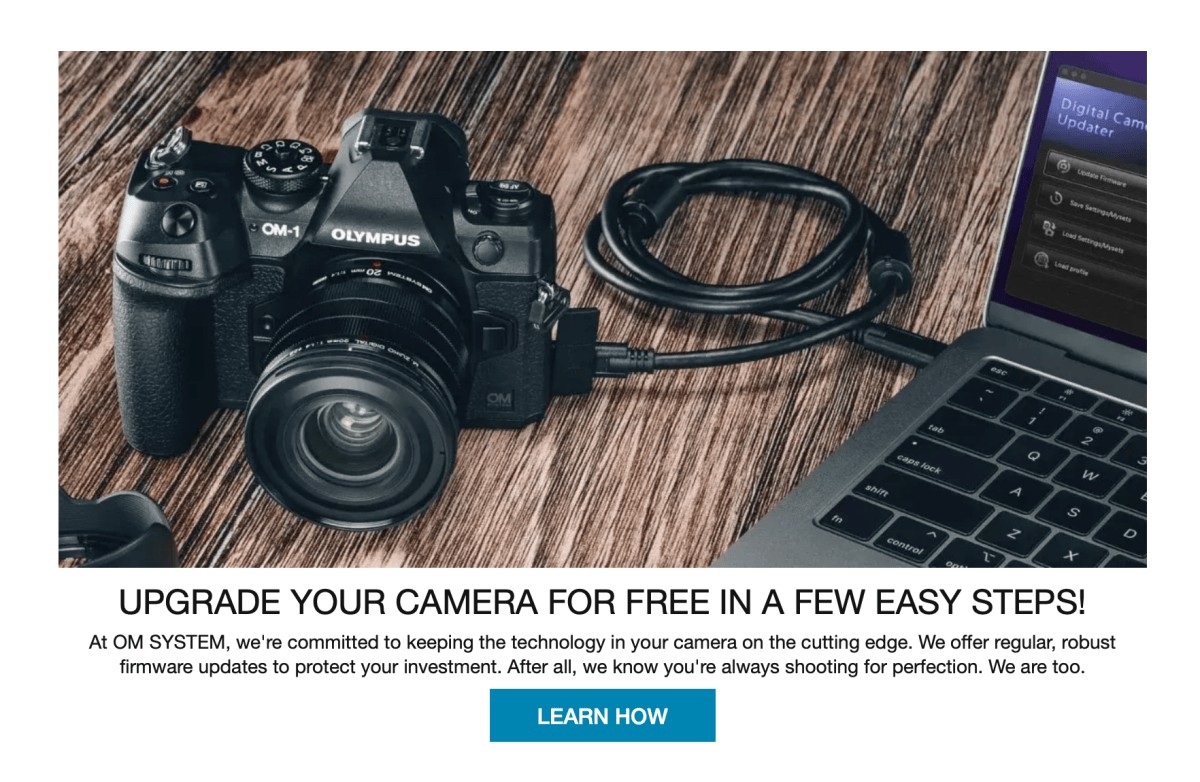
The OM-1 Mark II Firmware Update test does not give us much to go on here. But I’ll certainly be giving it a try on my upcoming trip to Patagonia. Anything they do to improve the High-Res feature on this camera is a welcomed edition.
What is High-Resolution Mode?
High-Resolution mode is a computational feature where the camera makes a 50- or 80-megapixel image from the 20-megapixel sensor. In theory, this is a great way to get more megapixels from a smaller sensor.
However, I’ve had many opportunities to use the High-Resolution mode and I’m often disappointed. The files just never look as sharp as I would expect and certainly not as sharp as the same image without the High-Resolution mode engaged. Maybe this firmware update will be the answer. Let’s hope since it could be a very nice tool that would give you the ability to print even larger prints than I do from the normal files.
Two Ways to Update Firmware
OM Workspace
Don’t forget that Olympus has two ways to update your camera’s firmware. I typically use the OM Workspace which is the OM software used to process images. But it also has a feature for downloading firmware updates. I’m a big fan of the way it works. With my Nikon and Lumix systems, it required downloading the firmware in a file, manually placing that file on an SD card, and then following the process to get the cameras to load it. OM Workspace simply requires attaching the camera via USB-C and following the directions via OM Workspace instructions. I’ve found it to be super simple. A bonus is it will reload your custom camera settings at the end of the process if you want it to.

OI Share App
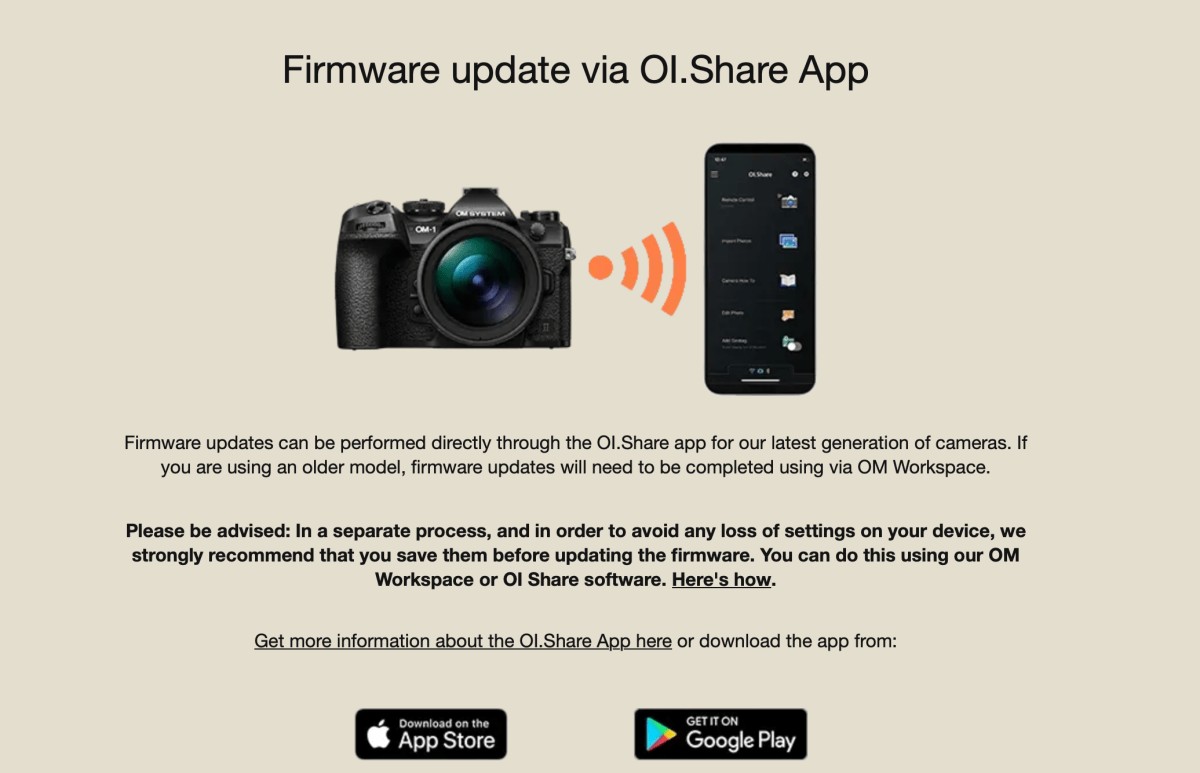
The OI Share app is another option that I’ve heard is even easier. I’ve not used OI Share for firmware updates but I’ve been told it’s drop dead simple. If you give it a try I would love to hear how it goes. This app is available on both Apple’s App Store and Android’s App Store.
Conclusion
Whichever way you go to update your firmware it’s always a good idea to get it done. We’re so fortunate in this day and time to have OM System and other manufacturers offering these improvements. It’s like getting an upgraded camera without having to spend the money.