
There are new firmware updates for Lumix an Olympus cameras. For Lumix the updates are for the GH5S, G9, and G100 cameras. For Olympus the firmware updates are for the E-M5 Marklll and the E-M1 Markll.
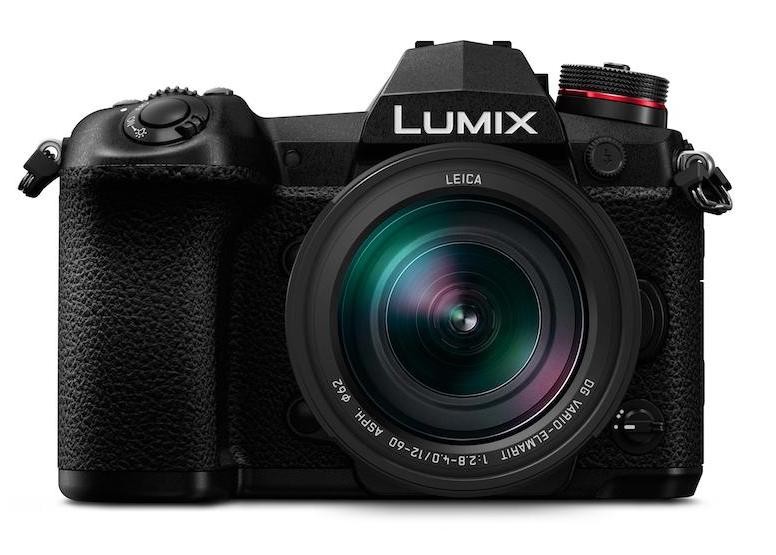
I installed the firmware update for the Lumix G9 and it worked without hitch. I’m reading reports across the Internet that the G9’s auto focus capabilities have been improved dramatically with his new firmware update. I guess we’ll see. Either way I’m excited that both companies are releasing new firmware updates to keep our cameras current and working smoothly.
Download Firmware here:
Lumix Cameras
Olympus Cameras
Be sure to follow instructions to the letter including making certain you have a fully charged battery. Here are the instructions I give for Lumix creamers.
1). First step is to download firmware Zip file. Click on zip and it open to show a .bin file
2). Format SD card in camera.
3). Copy the .bin file over to the SD card from the compute.
4). Make sure you have a full charged battery in camera.
5). Shut camera off before inserting SD card into camera after copying .bin to SD Card.
6). Once SD card is inserted you can turn camera on.
7). Push the Photo Play button. The same one you use to review a photo. By doing this the camera should see the .bin file on the card and give you a message to start the updating process. Select YES